MP Treasury User Already Logged In Error? Fix It Fast Today!
If you see the MP Treasury User Already Logged In Error while opening the IFMS portal, don’t panic. This usually means your last login session is still active. It can happen when you close the browser without logging out, use another device, or face a small browser issue.
Let’s break down what this error means, why it happens, and most importantly how to fix it fast today so you can get back into your account. I’ve included easy steps, quick tips, and little hacks that actually work!
What Is the MP Treasury Portal?
The MP Treasury IFMS Login is the government portal used by employees of Madhya Pradesh state to:
You log in with your employee code / User ID, password, and a captcha or security code.
What Does “User Already Logged In” Mean?
When you see this error, it usually means that the system still thinks your account is active somewhere else. This can happen even if you think you logged out or closed the page.
The system has a session open for your account and until that session expires or is closed, it won’t let you log in again from another device or browser immediately.
Common Reasons This Error Happens
If your session stayed active because you closed the tab or browser too fast, the portal still thinks you’re logged in. Always try to sign out properly before closing the page.
Maybe you logged in on your phone and forgot about it, but now you’re trying on a laptop. The portal might block the second login.
Old temporary data or cookies make the portal think your account is already running. Clearing these helps reset everything.
MP Treasury doesn’t want multiple sessions open for the same user. This sometimes kicks in even if you think you logged out.
How to Fix MP Treasury User Already Logged In Error
Close All Browser Tabs and Try Again:
Close all tabs, wait 30–60 seconds, open a fresh browser window, and try to log in again. This simple restart often clears the stuck session.
Use a Different Browser:
If you were using Chrome, try Firefox or Edge. Sometimes one browser caches session info that others don’t.
Clear Cache + Cookies:
Old saved data can interfere with login sessions. Go to your browser settings, clear cookies and cached images, then restart and log in again.
Log Out From All Devices (If Option Available):
Some portals let you log out everywhere. Check if MP Treasury has a “sign out all devices” option — if yes, use it.
Wait for Session Timeout:
If nothing else works, wait about 10–15 minutes and try again. Patience can actually be the quickest solution here!
Restart Your Device:
A fresh restart clears hidden session locks and removes any stale login tokens that might be causing issues.
If the Error Persists
If you still see the “User Already Logged In” error:
Sometimes Wi-Fi network caching causes login problems.
Use the forgot password option and reset via OTP.
Ask your Drawing & Disbursing Officer to reset your session from the backend.
Quick Tips to Avoid This Error in the Future
Best Time to Log In to MP Treasury Portal
Where to insert: Right after “Quick Tips to Avoid This Error in the Future”.
Reason: It continues the tips section and gives users practical advice on timing their login for smoother access.
Why Login Problems Happen Even With Correct Details
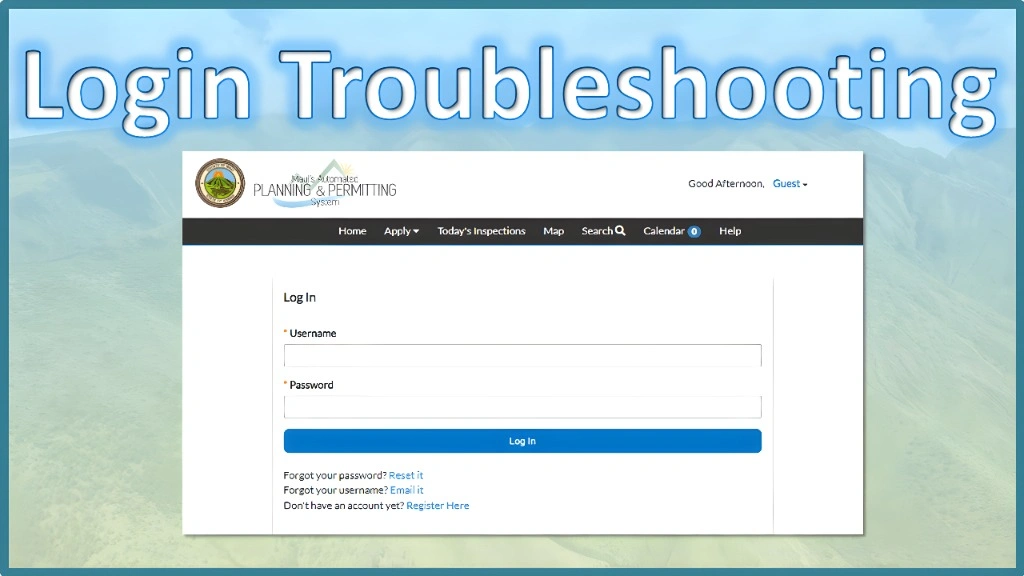
Even when you enter the correct user ID, password, and captcha, you may still get errors because:
These are system-level issues not your fault. Following the troubleshooting steps usually fixes it quickly.
Is the MP Treasury User Already Logged In Error Safe?
Where to insert: Right after the “Why Login Problems Happen Even With Correct Details” section.
Reason: This flows naturally because you just explained why login problems happen — now you reassure the user that the error isn’t harmful.
What You Can Do After Logging In
Once your login works, here’s what you can do on the portal:
Everything is stored securely online, making it faster than traditional office-based methods.
Extra Tips for Smooth Login Experience
When Should You Contact MP Treasury Support?
Where to insert: Right before the “Final Words” section.
Reason: After giving all self-help steps, it’s natural to tell users when to escalate the problem and seek official support.
FAQs
Final Thoughts
The MP Treasury User Already Logged In Error may feel stressful at first, but it’s usually easy to fix with the steps above. By logging out properly, clearing cache, switching browsers, or waiting for the session to expire, you can get back in quickly.
Remember, if the problem continues, your DDO or admin can reset your session from the backend.