MP IFMS NPS Contribution Missing: How to Check PRAN Credit Details
Is your NPS contribution deducted from your MP IFMS salary but still not showing in your PRAN account? The MP IFMS NPS Contribution Missing issue may occur when the amount is delayed, rejected, incorrectly mapped, or still pending for upload through the MP Treasury and CRA system.
A deduction visible on your salary slip does not always confirm that the contribution has reached your NPS account. Salary deduction and PRAN credit are two separate stages. To check the status, compare the NPS amount shown on your salary slip with the CRA Transaction Statement linked to your PRAN.
If the contribution is missing, note your PRAN, employee ID, salary month, and deduction amount, then contact your DDO or establishment section with copies of the salary slip and NPS statement. You can also raise a grievance through the CRA portal and save the token number for tracking. This guide explains each step clearly, along with common reasons for delayed credit and the correct complaint process.
What Does a Missing NPS Contribution Mean?
A missing NPS contribution means that an amount was deducted from an employee’s salary, but the contribution is not visible in the NPS account linked to the PRAN.
Employees should understand that different records show different stages of the contribution process.
| Record | What It Shows |
|---|---|
| MP IFMS salary slip | NPS amount deducted during salary processing |
| DDO or departmental record | Contribution file and payment processing status |
| CRA transaction statement | Amount actually credited to the PRAN |
| Statement of Holding | Current units and total value in the NPS account |
The salary slip only confirms that the deduction was made. The CRA transaction statement confirms whether the amount was successfully credited to the subscriber’s NPS account.
How to Check NPS Deduction in MP IFMS
Start by checking whether the NPS amount was actually deducted from your salary.
Step 1: Open Your Salary Slip
Log in to the MP IFMS employee service or salary portal used by your department.
Open the salary slip for the month in which the NPS contribution appears to be missing.
Step 2: Find the NPS Deduction
Look under the deduction section for an entry such as:
Note the exact deduction amount and salary month.
Also check whether the deduction was made through:
An NPS contribution deducted from arrears may be processed separately from the regular monthly contribution.
Step 3: Download the Salary Slip
Download the salary slip as a PDF or print an official copy.
Keep this document safe because it will be required when contacting your DDO, accounts section, treasury office, or CRA.
A screenshot may help explain the issue, but an official salary slip is stronger supporting evidence.
How to Check NPS Credit in Your PRAN Account
The most reliable way to check whether your contribution reached the NPS account is to download the CRA Transaction Statement.
NPS subscribers may be registered with one of the approved Central Recordkeeping Agencies, such as:
Use the CRA linked to your PRAN.
Steps to Check PRAN Credit Details
The name of the menu may appear as:
These labels may change slightly depending on your CRA portal.
What Details Should You Compare?
Do not check only the salary month. The contribution may have been credited under a later upload or transaction date.
Compare the following details:
For example, a contribution deducted from a June salary may appear in the CRA statement in July if departmental processing took additional time.
How to Check NPS Contributions Through the Mobile App
Subscribers registered with Protean CRA may also use the official NPS mobile application to check their account.
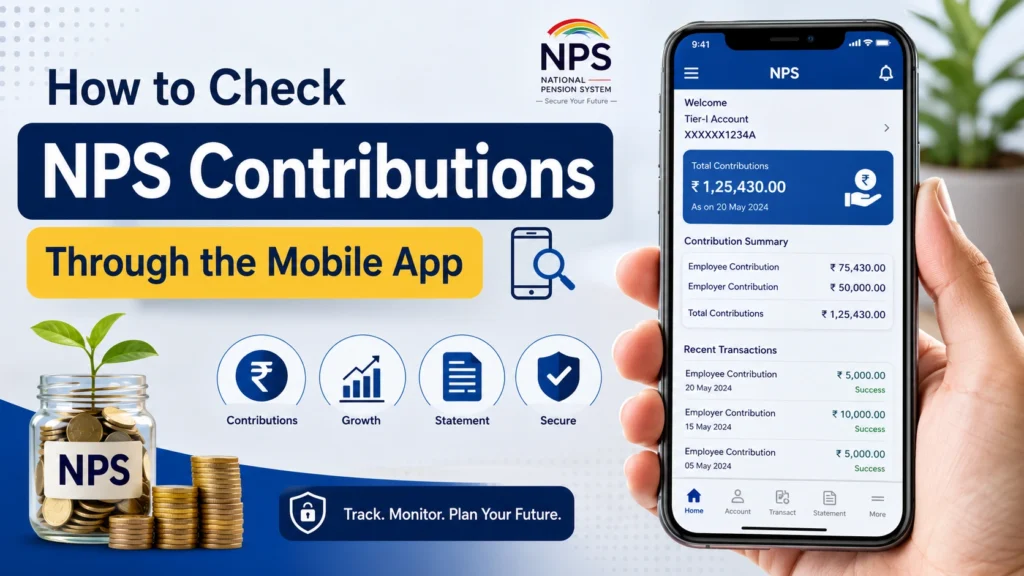
The app may allow you to:
The mobile app is useful for a quick check. However, when reporting a missing contribution, download the complete transaction statement instead of relying only on the list of recent transactions.
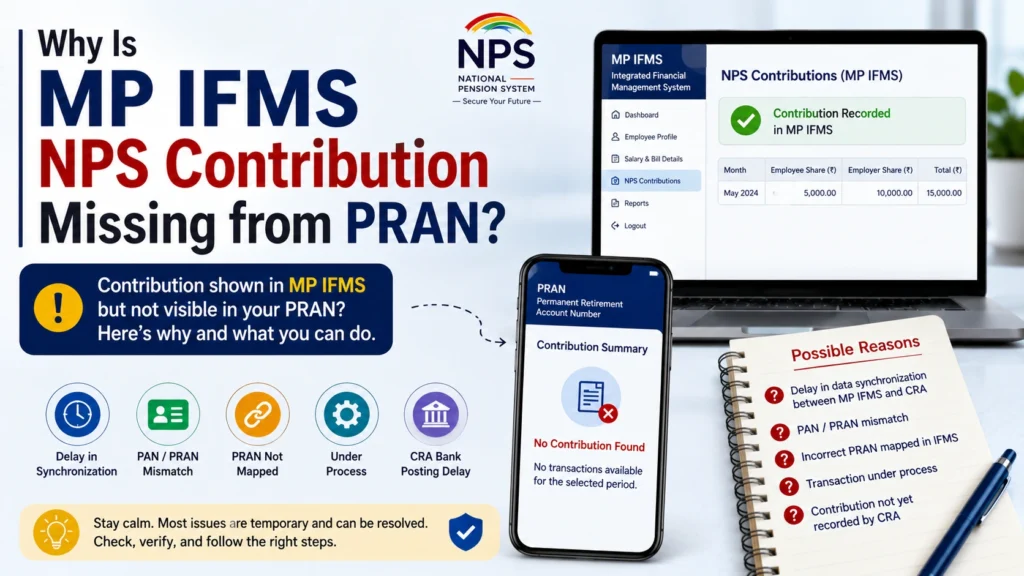
Why Is MP IFMS NPS Contribution Missing from PRAN?
The MP IFMS NPS Contribution Missing issue can occur for several reasons. The actual cause can only be confirmed after checking the DDO, treasury, banking, and CRA records.
1. Contribution Has Not Been Remitted
The amount may have been deducted during salary processing, but the payment or contribution file may still be pending with the department, DDO, or treasury.
2. Contribution File Was Rejected
A contribution file may be rejected because of:
The DDO should check whether the contribution file was accepted or rejected.
3. PRAN Is Not Correctly Mapped
A mapping issue may happen when an employee:
The contribution may remain pending until the PRAN is correctly mapped to the new DDO or nodal office.
4. Incorrect PRAN Was Entered
A typing error in the PRAN can prevent the contribution from reaching the correct subscriber account.
Compare the PRAN shown in your official records with the PRAN available in your CRA account.
5. Duplicate PRAN Exists
An employee should normally have only one active PRAN. Multiple or duplicate PRAN records can create contribution and account-mapping problems.
If you believe more than one PRAN was created in your name, contact your DDO or nodal office for verification and correction.
6. Employee Details Do Not Match
A contribution may be delayed when the information available in MP IFMS does not match the CRA records.
Possible mismatches include:
Ask the establishment section to compare your payroll and CRA details.
7. Transfer to a New DDO
After a transfer, the old DDO may stop processing the employee’s contribution while the new DDO mapping is still incomplete.
Employees should verify their PRAN mapping soon after joining a new office.
8. Arrear Contribution Is Processed Separately
NPS deductions made through salary arrears, revised pay, or a supplementary bill may not appear with the regular monthly contribution.
Ask the DDO whether a separate contribution file was prepared for the arrear amount.
What to Do When NPS Is Deducted but Not Credited
Follow the steps below in the correct order.
1. Download the Latest CRA Statement
Download a fresh transaction statement before submitting a complaint.
Do not rely only on:
Check whether the contribution appears under a later transaction date.
2. Contact Your DDO
Your first official contact should normally be the Drawing and Disbursing Officer, establishment section, or accounts branch.
Submit a written application containing:
Ask the DDO to confirm whether the contribution file was:
3. Ask for the Transaction Reference
When possible, request the following information from the DDO or accounts section:
These details can help the CRA or nodal office trace the payment.
4. Contact the Treasury or Nodal Office
If the DDO confirms that the salary deduction and contribution file were processed, ask the treasury or associated NPS nodal office to check the remittance status.
Clearly mention that the deduction is visible in the salary slip but missing from the PRAN transaction statement.
5. Raise a CRA Grievance
Subscribers may register an online grievance through the CRA associated with their PRAN.
Choose the category that most closely relates to:
After submitting the complaint, save the grievance token or acknowledgement number.
You will need this number to:
6. Escalate the Complaint
If the first complaint does not solve the problem, use the escalation option available on the CRA or NPS grievance platform.
Attach or mention:
Avoid raising several separate grievances for the same contribution because duplicate complaints may make tracking more difficult.
Documents Required for a Missing NPS Complaint
Keep the following documents ready:
Do not share your password, OTP, I-PIN, or T-PIN with any person.
Sample Application for Missing NPS Contribution
Subject: Request for Credit of Missing NPS Contribution in PRAN
Respected Sir/Madam,
I am working as [designation] in [department and office name]. My NPS contribution for the salary month of [month and year] was deducted from my salary. However, the amount is not showing in the transaction statement linked to my PRAN.
My details are provided below:
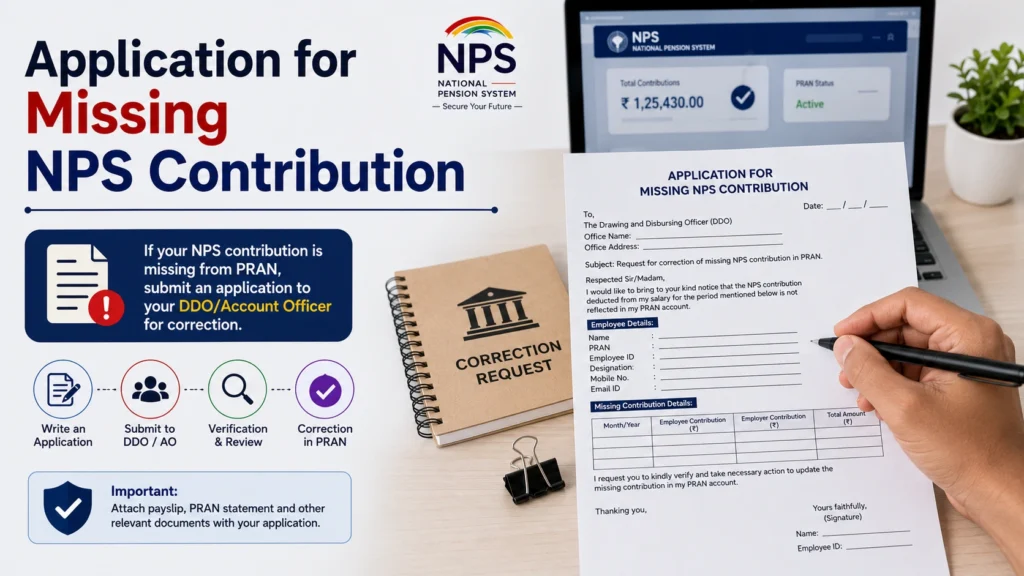
I have attached a copy of my salary slip and latest NPS transaction statement for verification.
Kindly check the contribution file, payment status, and remittance details. Please arrange for the missing employee contribution and applicable government contribution to be credited to my PRAN.
I also request you to provide a complaint or reference number for future tracking.
How Long Does an NPS Contribution Take to Appear?
The credit time for a government salary contribution may vary because it passes through several stages.
These can include:
An individually paid online NPS contribution may appear faster than a contribution deducted through a government salary bill.
Therefore, government employees should ask their DDO for the actual contribution upload and remittance date instead of counting only from the salary date.
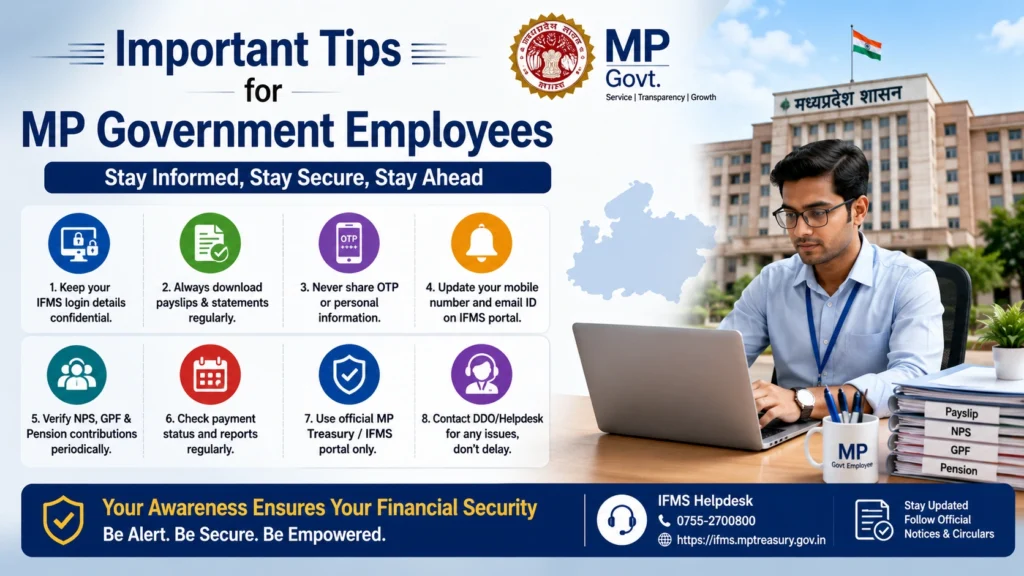
Important Tips for MP Government Employees
Check Your NPS Statement Every Month
Do not wait until the end of the financial year. Monthly checks make it easier to find and correct errors.
Save Your Salary Slips
Keep digital copies of all salary slips, especially those showing NPS deductions.
Download the Annual Transaction Statement
At the end of every financial year, download the complete CRA transaction statement and compare it with your salary records.
Check PRAN Mapping After Transfer
When joining a new office, ask whether your PRAN has been mapped to the new DDO.
Report One Month Clearly
Instead of writing that several contributions are missing, provide a month-wise list containing:
- Salary month
- Deduction amount
- Employee contribution
- Government contribution
- Current status
This makes verification easier.
Keep Every Complaint Number
Save all grievance tokens, application receipts, email replies, and departmental references.
Latest posts
- MP IFMS NPS Contribution Missing: Check PRAN Credit Details?
- MP Treasury Challan Online: Pay, Status & Receipt Download
- How to Raise MP Treasury Salary Grievance on IFMS Portal
- Download IFMS Annual Salary Statement, Earnings Certificate
- Name/DOB Mismatch in MP Treasury IFMS: How to Fix Errors
Frequently Asked Questions
Final Thoughts
The MP IFMS NPS Contribution Missing issue should be checked as soon as it is noticed. Start by comparing your salary slip with the CRA Transaction Statement. If the deduction appears in MP IFMS but not in the PRAN account, contact your DDO and request the contribution upload and remittance details.
Keep all salary slips, account statements, complaint receipts, and grievance token numbers. Regularly checking your NPS account can help you identify errors early and protect your retirement savings.