Is the MP Treasury Portal Mobile-Friendly and Safe to Use?
The MP Treasury Portal Mobile-Friendly feature is a crucial aspect for government employees in Madhya Pradesh who need to manage their financial details, access pay slips, and track payments on the go. With the increasing use of smartphones, many wonder if the portal is mobile-friendly and safe to use on their devices.
In this article, we’ll explore the MP Treasury portal’s mobile compatibility, discuss the security features in place to protect your data, and offer practical tips to ensure safe usage.
Is the MP Treasury Portal Mobile-Friendly?
The MP Treasury Integrated Financial Management System (IFMS) portal works well on mobile devices. That means you can open it in your phone’s web browser and use most features without trouble. Most modern browsers like Chrome or Safari display the portal clearly and allow you to log in, view documents, and download pay slips right from your phone.
So whether you’re checking your payslip or payment status, you don’t need a computer — your smartphone is enough.
Is It Safe to Use on a Smartphone?
The portal uses secure connections and encrypted login systems, which means your information is protected as data travels between your phone and the server.
Here’s how the portal protects you:
That said, your own habits matter too. A secure portal can still be at risk if your phone or internet connection isn’t safe.
Additional Security Measures for the MP Treasury Portal
Even with the portal’s built-in security, extra precaution can ensure a safer browsing experience on your phone. Here are a few additional steps you can take:
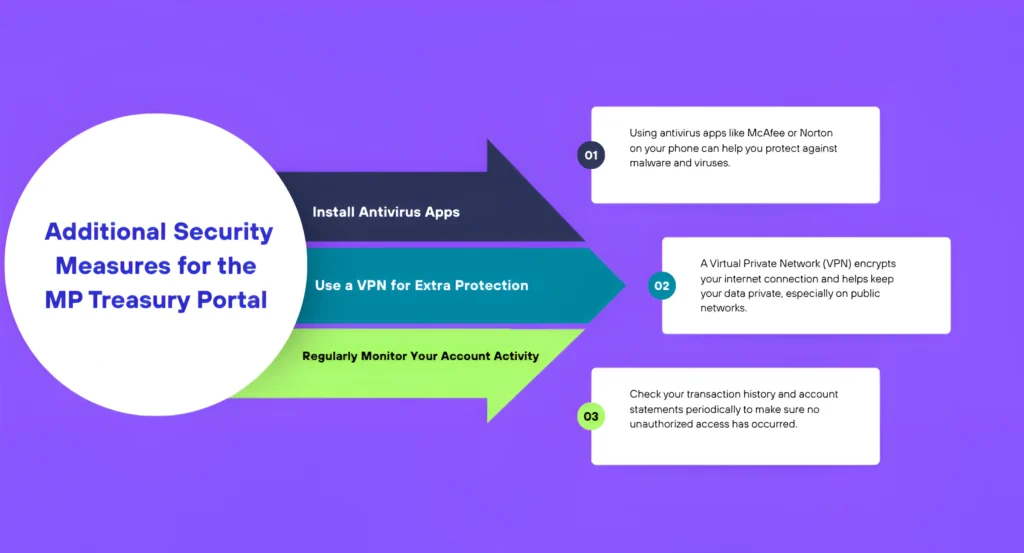
1. Install Antivirus Apps
Using antivirus apps like McAfee or Norton on your phone can help you protect against malware and viruses.
2. Use a VPN for Extra Protection
A Virtual Private Network (VPN) encrypts your internet connection and helps keep your data private, especially on public networks.
3. Regularly Monitor Your Account Activity
Check your transaction history and account statements periodically to make sure no unauthorized access has occurred.
7 Security Best Practices for Using the MP Treasury Portal on Your Phone
I put these in simple bullet points so you can start using the portal safely today:
1. Always Use Official Links
Type the portal address yourself or bookmark it — don’t open links from random messages.
2. Check for HTTPS
Look for the lock icon in the browser address bar before entering your login details.
3. Use a Secure Internet Connection
Avoid public Wi‑Fi (like in cafes) when logging in. If needed, use your mobile data or a trusted network.
4. Protect Your Phone
- Set a strong passcode
- Use fingerprint or face unlock if available
5. Update Your Phone & Browser
Keep your phone’s operating system and browser updated. Updates fix security holes.
6. Don’t Save Passwords in Shared Phones
Never save passwords on a phone others can access.
7. Logout After Use
Always tap Logout when you’re finished, especially on a shared or borrowed phone.
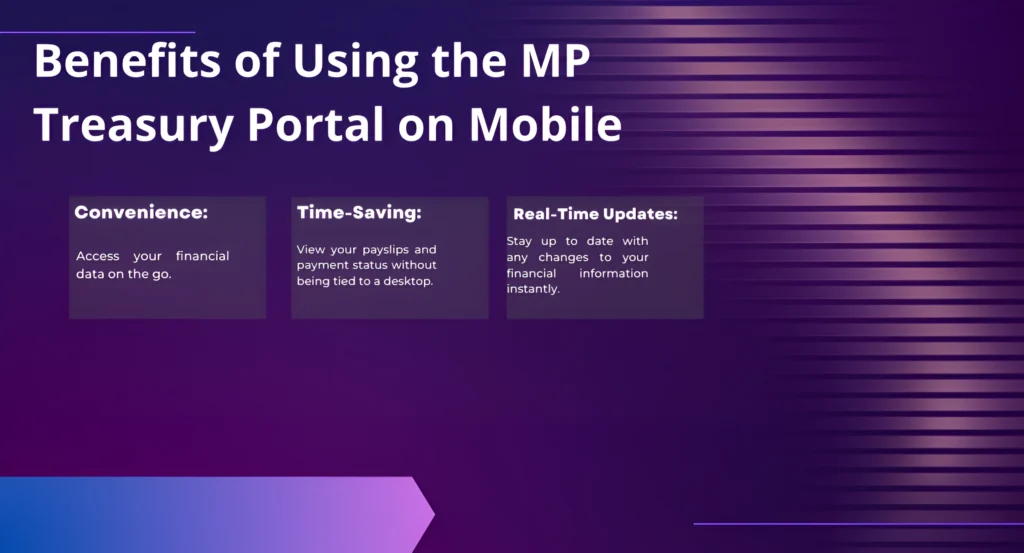
Benefits of Using the MP Treasury Portal on Mobile
Using the MP Treasury portal on your mobile phone comes with several benefits:
How to Access MP Treasury Portal Easily on Mobile
Common Issues Users Face on Mobile and How to Fix Them
Why Mobile Access Is Important for Government Employees
Future Improvements Expected in MP Treasury Mobile Experience
Common Problems and Solutions (MP Treasury Portal Mobile Use)
| Common Problem | Possible Solution |
|---|---|
| Portal takes too long to load on mobile | Use a strong and stable internet connection (mobile data or good Wi-Fi) |
| Login failures or incorrect login errors | Double-check username and password before entering |
| Pages not displaying properly on mobile | Switch to updated browsers like Chrome, Edge, or Safari |
| Payslip download fails or hangs | Clear browser cache and try again |
| OTP or verification messages delayed | Ensure mobile network is active and SMS service is working |
| Session automatically logs out quickly | Log in again and avoid inactivity for long time |
| Errors during peak traffic hours | Try accessing the portal during off-peak hours (morning/evening) |
FAQs
Final Thoughts
The MP Treasury portal is convenient and mobile-friendly, making it easy for you to access your financial data on the go. However, staying safe is key, especially when using a smartphone. By following the simple security tips above, you can ensure that your personal information remains protected.