MP Treasury Login Shows Blank Page? Try These Quick Fixes
Are you trying to log in to the MP Treasury IFMS portal but the login screen isn’t loading and you only see a blank page? Don’t worry you’re not alone. The MP Treasury login shows blank page issue happens to many users, but the good news is that most of the time, it’s easy to fix.
In this guide, I’ll explain why the MP Treasury login shows blank page, how to fix it quickly, and tips to prevent it in the future. Let’s get you back into your account fast!
What Is MP Treasury & IFMS Login
The MP Treasury IFMS portal is an official system for managing salaries, pensions, bills, and other financial services of Madhya Pradesh government employees and departments. Users log in with their employee code, password, and captcha to access dashboards, pay slips, and other financial services.
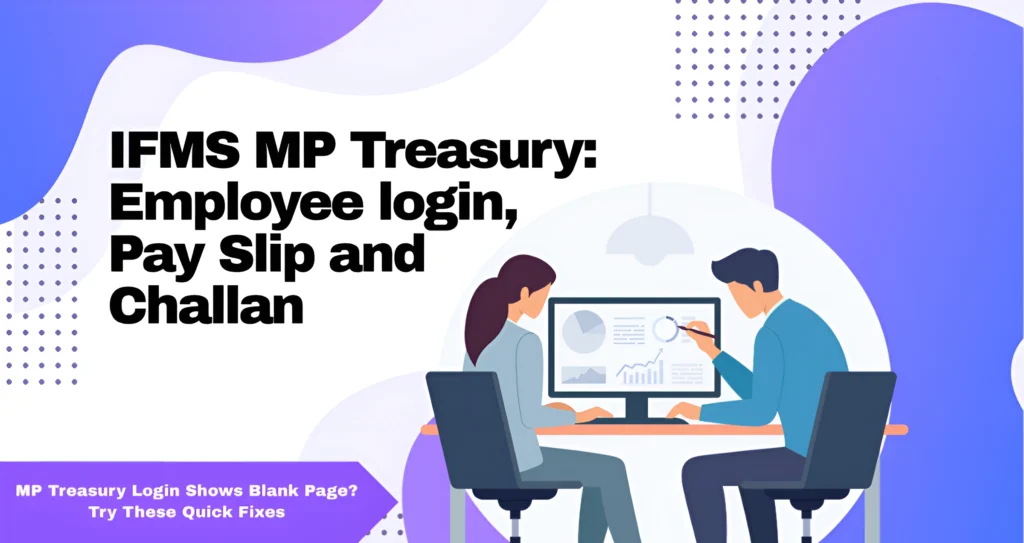
When the MP Treasury login shows blank page, it usually means something is stopping the portal from loading properly on your device.
Why the MP Treasury Login Shows Blank Page
Here are the main reasons the MP Treasury login shows blank page issue happens:
Old cached files can prevent pages from loading properly, causing the login to appear blank.
Extensions like ad blockers or script blockers can interfere with secure portal scripts.
VPNs, proxies, or firewalls can block parts of the page, making the login appear blank.
Sometimes the portal itself is busy or under maintenance, which can cause the MP Treasury login to show blank page temporarily.
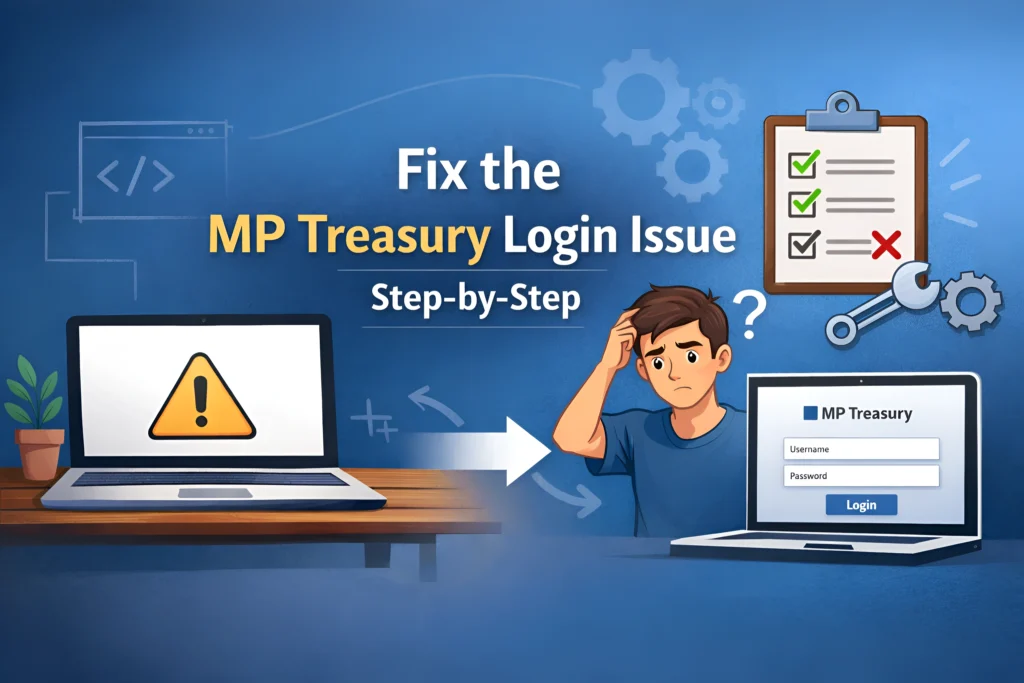
Fix the MP Treasury Login Shows Blank Page Issue: Step‑by-Step
Here’s how to fix the problem quickly:
Press Ctrl + F5 (Windows) or Cmd + Shift + R (Mac). A hard refresh reloads all elements and often resolves the blank screen.
Clearing old cached files can fix the blank page:
- Go to Settings → Privacy & Security
- Click Clear browsing data
- Select Cached images & files + Cookies
- Click Clear
- Restart your browser and try logging in again.
Some browsers handle the portal better. If you’re using Chrome, try Firefox or Edge, or open the page in Incognito/Private mode.
Extensions like ad blockers or privacy tools can prevent the login page from loading properly. Turn them off temporarily and refresh the page.
VPNs or proxies can interfere with secure scripts, which may cause the MP Treasury login shows blank page issue. Disable them and try again.
Try logging in from another device or network:
- Mobile data
- Another computer
- Different Wi-Fi
Sometimes the portal is overloaded. Waiting 10–30 minutes and retrying during off-peak hours can fix the blank login issue.
Extra Tips to Prevent the MP Treasury Login Shows Blank Page
How to Log In Correctly Once Fixed
FAQs
Final Thoughts
The MP Treasury login shows blank page issue is common but almost always easy to fix. By following the steps above — hard refresh, clearing cache, disabling extensions, or switching network/device — you can get back into your account quickly.
Keep this guide handy, and you’ll know exactly how to handle the MP Treasury login shows blank page issue whenever it happens!