How to Update Profile Photo and Personal Details in IFMS ESS
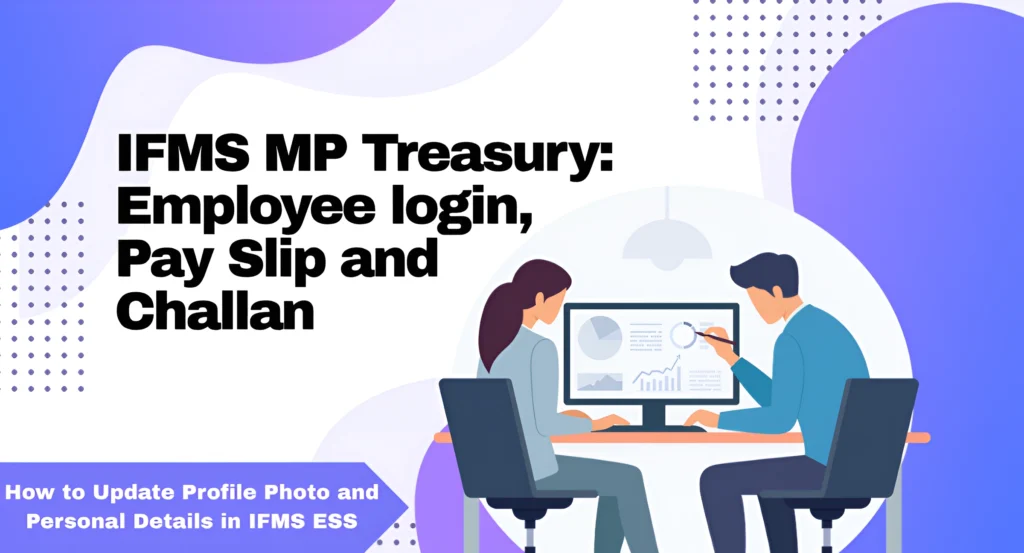
Updating your profile in IFMS ESS is essential for smooth communication and accurate record-keeping. In this guide, we’ll walk you through the process of how to Update Profile Photo and Personal Details in IFMS ESS, specifically for employees in the MP Treasury.
Whether you need to update your contact information or refresh your profile photo, this step-by-step guide will ensure your details are current and ready for any official correspondence.
Why Update Your Profile and Personal Details in ESS?
Before diving into the process, let’s quickly go over why updating your profile is important:
Step-by-Step Guide to Update Your Profile Photo and Personal Details
Now, let’s break down the process of updating your profile photo and personal details in the IFMS ESS portal to help you easily Update Profile Photo and Personal Details in IFMS ESS without confusion. This guide walks you through each step, from accessing your profile settings to saving the updated information correctly.
The first step is to log into your IFMS ESS account. If you don’t have your login credentials, make sure you contact your organization’s HR or IT department.
- Open your web browser and go to the IFMS ESS Portal login page.
- Enter your username and password.
- Click on the login button to access your dashboard.
Once logged in, you’ll be directed to the main dashboard. From here:
- Look for the Profile or My Account section (depending on the system’s interface).
- Click on the section to view your current profile details.
Now that you’re in your profile section, updating your profile photo is easy. Here’s how:
- Find the current profile photo (or placeholder image).
- Look for an Edit or Change Photo button near your current image.
- Click on this option, and a file picker will appear, allowing you to select a photo from your device.
- Choose a clear, professional photo that follows your organization’s guidelines.
- Once selected, crop or adjust the image if necessary.
- Click Save to update your profile photo.
Tip: Ensure that your profile photo meets the required file size and format (typically JPG or PNG) for smoother upload.
Next, let’s update your personal details. These may include your name, contact information, designation, department, and more. Follow these steps:
- In the profile section, you should see fields with your personal details such as name, contact number, email address, etc.
- To update any of these, click the Edit button next to each section.
- Change your details as needed. For instance:
- If your name is spelled incorrectly, fix it.
- Update your phone number, address, or email address if any changes have occurred.
- Update your designation or department if you’ve had a promotion or transferred to another department.
- After making the changes, be sure to click Save or Submit to ensure your updates are stored.
Advanced forecasting tools to predict cash flow, aiding in better financial planning and decision-making.
- Profile photo
- Personal details like name, phone number, email, and address
- Job title and department
This ensures that all the information is accurate and up to date.
Once everything is updated, log out of your ESS account and log back in to make sure the changes were saved successfully. Sometimes, refreshing your session helps reflect all the updates.
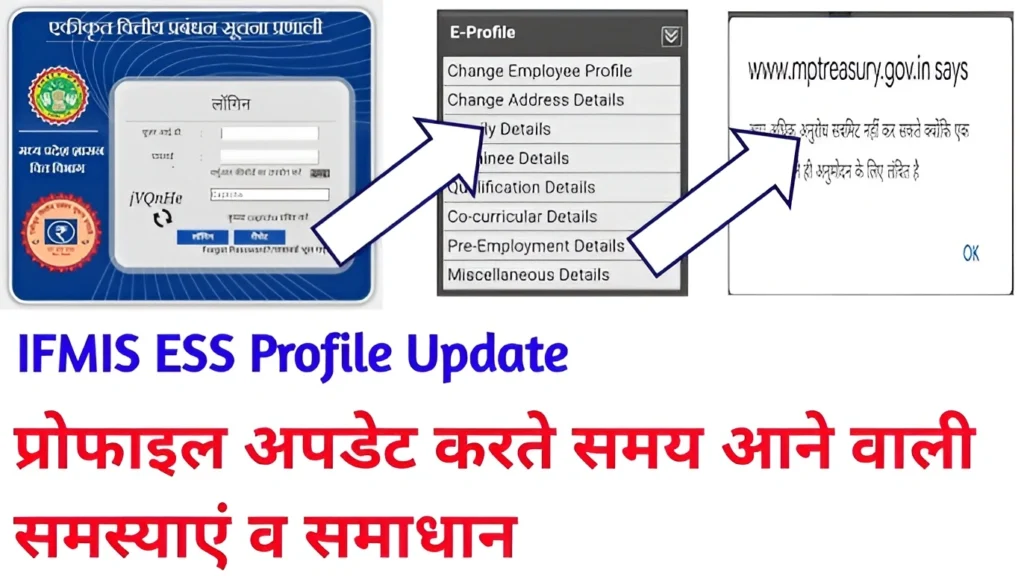
Troubleshooting: What to Do If You Face Issues
While updating your profile in the IFMS ESS portal is usually straightforward, there might be times when you encounter issues. Here are some common problems and solutions:
Can’t upload photo:
Ensure that your image is in the correct format (JPG, PNG) and doesn’t exceed the file size limit.
Unable to save changes:
Refresh the page or try logging out and logging back in. If the issue persists, clear your browser cache and try again.
Details not updating:
Double-check that you’ve clicked Save after editing your details. If the problem continues, contact HR or IT support.
FAQs
Final Thoughts
Keeping your profile photo and personal details up to date in the IFMS ESS portal is an important step in maintaining professional and accurate records. By following these simple steps, you can easily ensure your profile reflects the most current information. Whether you’re changing your profile picture or updating your contact information, the process is quick and straightforward.
Pro Tip: Regularly update your details, especially when there are significant changes like a new job title or contact number, to avoid missing important notifications.