MP Treasury Data Correction Ticket – Raise & Track Online
The MP Treasury Data Correction Ticket system is an essential tool for ensuring that your personal and financial information in the Treasury portal is accurate. Whether it’s a mistake in your name, bank details, or service history, this simple process allows you to raise and track correction requests online. Ensuring your data is correct in government systems is crucial for timely salary payments, promotions, and other important services.
What Is a Data Correction Ticket in MP Treasury?
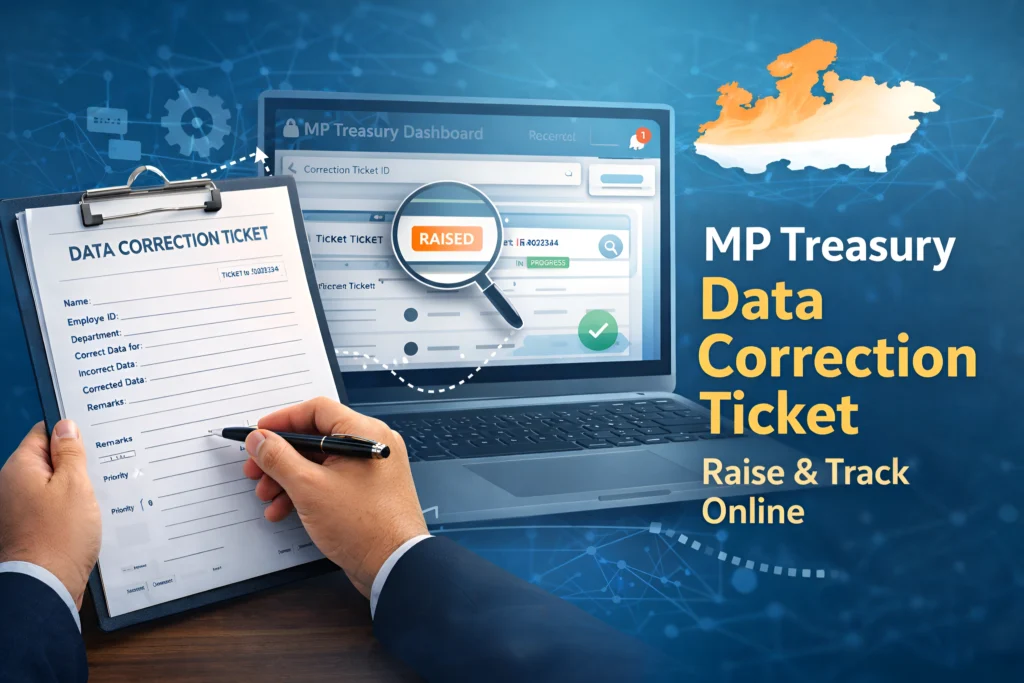
When information in the MP Treasury (IFMS) portal is incorrect, you can file a Data Correction Ticket through the grievance portal.
This ticket is a formal request that tells the Treasury team:
They then verify and correct it if your request is valid. This process makes sure your records are accurate in official systems.
Why You Might Need a Data Correction Ticket
Some common reasons include:
These errors often happen due to wrong entry during onboarding or a system upload glitch. If left uncorrected, they can block salary credits, leave records, PF benefits, and more.
Step‑by‑Step: MP Treasury Data Correction Ticket – Raise & Track Online
Follow this process exactly — it’s the fastest way to get your issue handled:
Go to the MP Treasury Grievance Portal
The portal for data correction and grievances is part of the official MP Treasury/IFMS system. You can access it through the MP Treasury official site.
Log In or Register
You will need to sign in with your credentials. If you don’t have an account, you’ll need to register:
Tip: Use your government email or mobile number linked to your employee profile.
If registration fails, visit your treasury office for help.
Find the Grievance/Help Desk Section
Once logged in:
This is where you raise your request.
Fill the Ticket Form Carefully
Enter correct and clear info in the ticket:
Example description:
“My bank account number in the Treasury portal is incorrect. It shows 1234567890. The correct account is 9876543210. My employee ID is 12345.”
- Attachment: Upload any proof that supports your request (e.g., offer letter, bank document).
Pro Tip: Attach PDF copies. Screenshots sometimes blur and get rejected.
Submit the Ticket
Once everything is filled:
You must save the Ticket Number you’ll use it to track your request.
How to Track Your Data Correction Ticket
After submission, you want to follow up. Here’s how:
Online Ticket Tracking
The system will show:
If the portal has no direct tracking, contact support they can help if you provide the ticket number.
Contact Support
If the ticket status doesn’t update for many days:
This pushes the request faster than waiting online.
Tips to Get Your Ticket Resolved Faster
Inefficient tickets are common reasons delays happen. These tips will help avoid it:
Attach accurate documents. Don’t upload photos that are unclear.Attach accurate documents. Don’t upload photos that are unclear.
Don’t write long stories. Say:
- What’s wrong
- What should be
- Where the mistake is
Example:
“My PF number is wrong in the system. Correct PF number is XXXXX.”
If you don’t see updates after 7 days:
- Track online again
- Or contact support with ticket number
This keeps your request alive, not forgotten.
Do not try messaging any random official on WhatsApp. Use the grievance portal and official helpline. This avoids fake fixes.
Common Mistakes Users Make
Most people delay resolution because they:
Avoid these.
How Long Does Correction Take?
There’s no fixed timeline, but most corrections are completed within a few weeks, depending on:
If your ticket is older than 30 days with no updates, follow up with helpdesk or visit the local Treasury office.
When to Visit the Treasury Office
In rare cases, online systems fail especially for sensitive corrections like:
When the portal does not accept your documents or keeps rejecting, it’s faster to visit the Treasury office with:
This gives officials all they need in person.
Final Checklist Before Submitting
If yes you’re done. You’ve submitted a good ticket.
FAQs
Final Thoughts
Raising a Data Correction Ticket in MP Treasury’s online grievance portal is a straightforward process when done correctly. By providing accurate details, attaching the necessary proof, and tracking your request, you’ll ensure a smooth and efficient correction process.
The key to success is precision the clearer and more organized your submission, the faster your issue will be resolved. So, stay proactive, follow the steps carefully, and don’t hesitate to follow up if needed.