MP Treasury Payslip Offline Access Without Internet Tips Now
MP Treasury Payslip Offline access is essential for thousands of government employees in Madhya Pradesh who need to check their monthly salary details without relying on the internet. But what happens when you don’t have internet access? Thankfully, the MP Treasury system provides reliable offline options to help you access your payslip anytime, anywhere. In this guide, you’ll learn simple and practical ways to get your MP Treasury payslip offline, whether you’re in a remote area or facing temporary network issues.
These easy offline methods ensure you never miss your salary information and can stay updated without depending on the online portal.
What is MP Treasury?
MP Treasury offers employees the ability to access their payslips online through the Integrated Financial Management Information System (IFMS). Normally, you would log into the portal using your employee ID and password, select the relevant month, and download the payslip. But what if you don’t have access to the internet? Let’s explore some options.
Why Offline Access is Sometimes Necessary
Having offline access to important documents like payslips is essential, especially in rural or low-connectivity areas. Many employees rely on physical copies when the internet is down or not readily available. This backup ensures you have your records on hand for any necessary verification, tax purposes, or personal reference.
Before You Go Offline: Prepare Your Payslip Backup
To avoid problems during internet issues, prepare your MP Treasury payslip backup in advance.
- Open the MP Treasury portal when internet is available.
- Download your latest monthly payslip immediately.
- Do not wait until you urgently need it.
- Save the payslip on your mobile phone.
- Keep one copy on your laptop or computer.
- Store another copy in your email or USB drive.
- Print one copy for bank work, tax filing, or office verification.
- Keep the printed copy in a safe file.
- This simple backup helps you access salary details anytime without internet.
How to Access Your MP Treasury Payslip Without Internet
If you need MP Treasury Payslip Offline support because you’re without internet or having trouble accessing the portal, you still have some alternatives to get your payslip. Here are the options:
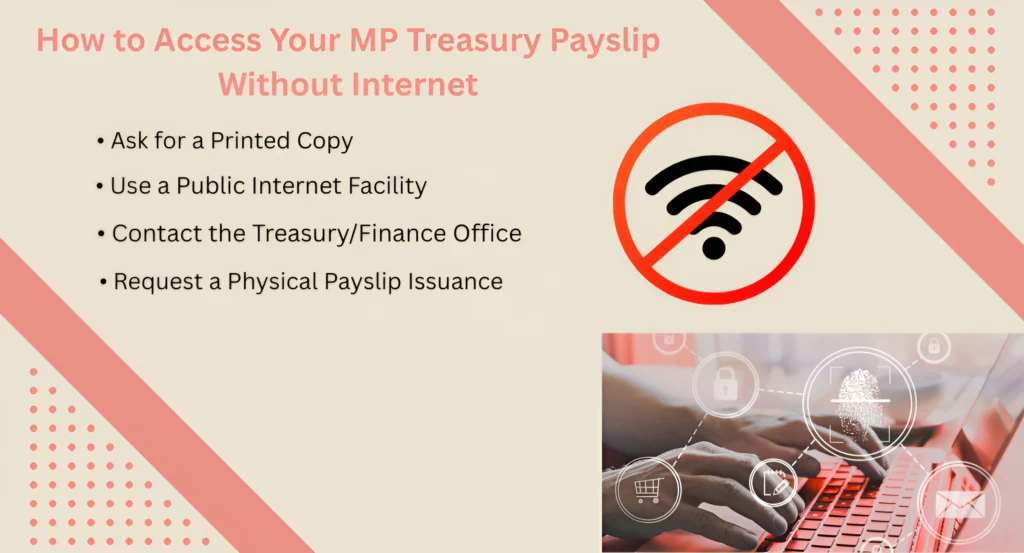
Reach out to your department, HR, or the treasury office, and request a printed copy of your payslip. Since digital payslip generation is common, your department likely has printed records available.
If you don’t have internet at home, you can use a public facility like a cyber café or a friend’s internet connection. Once you have access, you can download your payslip and save it for later use.
If you can’t access the payslip online, you can contact the treasury or finance office by phone or email. Ask them to email you the payslip or mail a printed version.
Some departments still issue physical payslips. If you’re unable to access the portal, you might be able to request a printed version directly from the treasury office.
How to Stay Updated on Your Payslip Information
Even without internet access, staying updated on your payslip details is important. You can:
Set reminders to check your payslip regularly:
Make it a monthly habit to review your pay and deductions.
Save important documents on your phone or USB drive:
If you get access to the internet once in a while, download and store your payslips for easy access later.
Keep communication open with your HR or treasury office:
If you’re facing consistent trouble accessing your payslip, notify them and ask for a backup plan.
Where to Request MP Treasury Payslip Offline
If you cannot use the online portal, you can request your MP Treasury payslip offline from the right office.
- Department office
- HR section
- DDO office
- Accounts department
- Treasury office
- Call the office first.
- Ask which documents are required.
- Confirm whether they can provide a printed payslip.
- This helps you avoid unnecessary travel and delays.
Keep These Employee Details Ready for Offline Support
When you visit HR, DDO, accounts, or treasury office, they may ask for your basic employee information.
| Required Detail | Why It Is Needed |
|---|---|
| Employee ID | Helps identify your salary record quickly |
| Department Name | Confirms your official department |
| Designation | Verifies your employee position |
| Salary Month | Helps find the correct payslip |
| Office Location | Makes offline support easier |
Keeping these details ready can save time, especially if you forget your MP Treasury portal login details.
Why a Printed Payslip Is Still Useful Today
Even with online systems, a printed MP Treasury payslip is still useful for many official needs.
Common Uses of Printed Payslip
Make sure your printed payslip clearly shows:
For official use, request a stamped or verified copy if required.
Safe Offline Storage Tips for MP Treasury Payslip
Your payslip contains private salary and employee details, so it should be stored carefully.
Important Safety Tips
Safe storage protects your personal and financial information from misuse.
What If Your Saved Payslip Is Not Updated?
Sometimes employees only have an old downloaded or printed payslip. Before using it, check whether it is still valid for your purpose.
| What to Check | Why It Matters |
|---|---|
| Month and Year | Confirms the payslip is recent |
| Salary Details | Ensures salary and deductions are correct |
| Employee Information | Helps avoid verification issues |
| Official Requirement | Banks or offices may ask for latest payslip |
If your copy is outdated, contact your HR section or accounts office and request the latest version.
Monthly Payslip Management Routine for Employees
A simple monthly routine can help you manage your MP Treasury payslip offline without stress.
- After salary is credited, open the MP Treasury portal.
- Download the latest payslip when internet is available.
- Rename the file with the correct month and year.
- Example: Payslip-April-2026
- Save the file in one fixed folder.
- Keep backup copies on mobile, laptop, or USB.
- Print important payslips when needed.
This routine keeps your salary records organized, even without regular internet access.
Common Issues with MP Treasury Portal and How to Troubleshoot
If you encounter issues accessing the MP Treasury portal, here are a few troubleshooting tips:
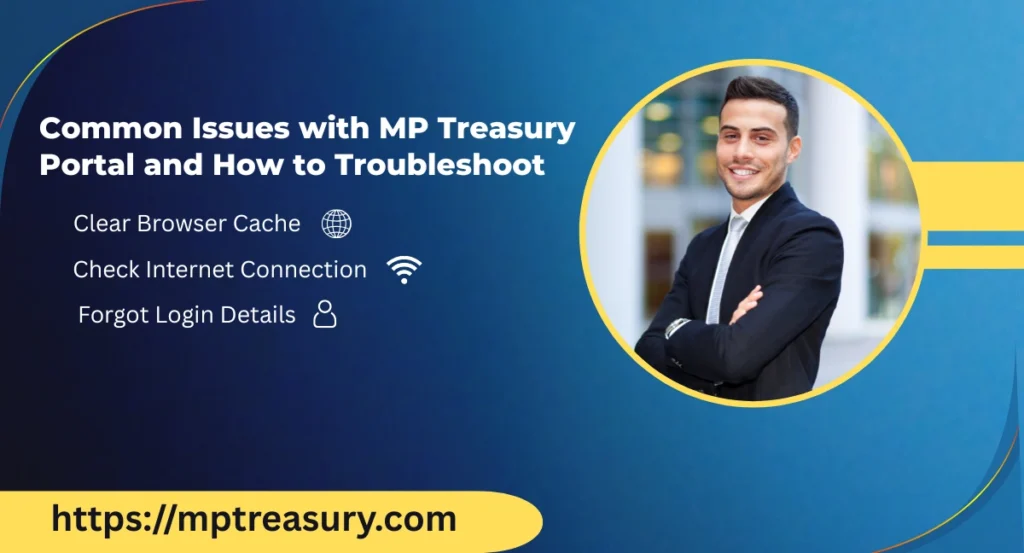
Sometimes, cached data can cause login or display issues. Try clearing your browser’s cache and cookies.
A slow or unstable internet connection can cause problems during login. Ensure you’re connected to a stable network.
If you’ve forgotten your login credentials, contact the HR or finance department to reset your details.
FAQs
Final Thoughts
It can be a bit frustrating when you don’t have internet access, but there are still options to get your MP Treasury payslip. You can either contact your department to ask for a printed version, use a public internet facility, or even ask the treasury office to email or mail it to you. Always keep your login credentials safe, and if you know you’ll be offline, try to download your payslip ahead of time.