Correcting an Error in Your MP Treasury Bank Account Details
Correcting an error in your MP Treasury Bank Account Details is crucial for ensuring that your salary, pension, GPF, and other financial benefits are credited on time. Even small mistakes—such as an incorrect account number, outdated IFSC code, or mismatched personal information—can result in failed transactions or payment delays.
This guide provides a clear and reliable process to help you identify, report, and update incorrect information in your MP Treasury Bank Account Details within the treasury system. By following the recommended steps, you can prevent payment interruptions and maintain accurate, secure financial records.
Why It’s Important to Keep Your Bank Details Correct on MP Treasury
Your bank account details with MP Treasury are essential for the processing of your salary or pension payments. If your account number, IFSC code, or other bank-related details are incorrect, you may not receive your payment on time or at all. Keeping this information accurate ensures smooth transactions and timely credits.
How to Correct an Error in Your Bank Account Details on MP Treasury
If you notice a mistake in your bank account details, here’s what you should do to correct it:
Steps to Confirm That Your Bank Account Update Was Successful
After updating your bank details, it’s important to confirm that the change was successfully processed:
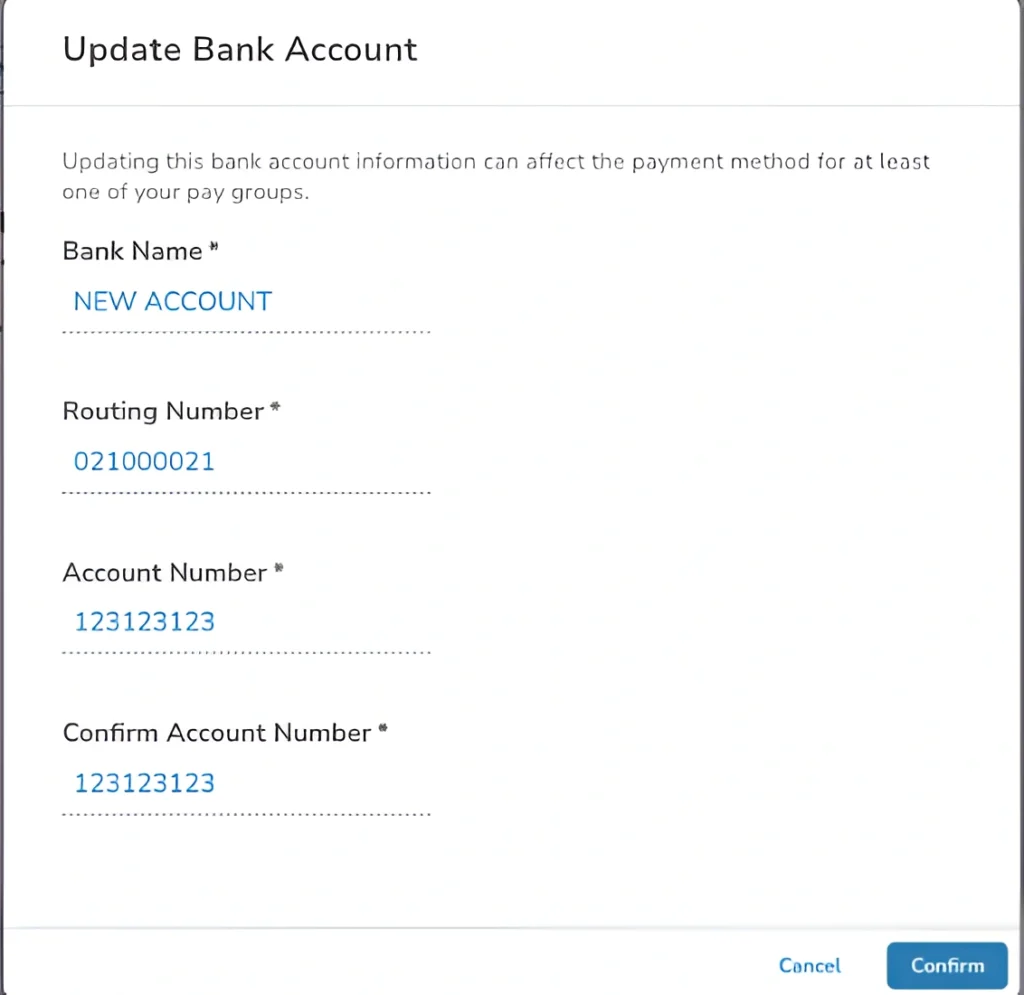
- Log in again to the MP Treasury portal to see if your new bank account details are displayed correctly.
- Look for any confirmation message that confirms the update was successful.
- Contact your bank to confirm that the payment system has been updated with your new account details.
- Ask them to check if there were any issues with your previous account details or pending transactions.
- Track your upcoming salary or pension payments. If the issue persists, reach out to the relevant authority to ensure the payment has been processed to the correct account.
What to Do If You Can’t Correct the Error Yourself
If the MP Treasury portal doesn’t allow you to update your account information or if you’re facing issues with self‑updating:
Tips to Prevent Bank Account Errors in the Future
FAQs
Final words
If you find an error in your bank account details on the MP Treasury portal, take immediate action to correct it by updating your account details or contacting your department’s DDO or the treasury office. Keeping your details up to date is essential for receiving your payments on time and avoiding delays. By following these steps and staying proactive, you can ensure that your salary or pension is credited to the correct account without issues.