How to Export TDS Summary from MP Treasury Portal Easily
Exporting your TDS Summary from MP Treasury might seem a little tricky at first, but once you know the steps, it becomes quick and easy. In this guide, we will walk you through every detail to ensure that the process is smooth. Whether you’re preparing for tax filing or just keeping your records in check, this guide will make it simple and straightforward.
What Is TDS, and Why Is It Important?
TDS is a way of collecting income tax in India. A portion of your income is deducted by the person or company paying you and sent directly to the government as tax. For employees in the Madhya Pradesh (MP) Treasury system, this deduction is recorded, and the TDS Summary from MP Treasury is made available online.
Why should you care about it? Simple! The TDS Summary from MP Treasury is crucial when you’re filing taxes or need proof of your income tax payments for loans, audits, or other financial needs. It shows exactly how much tax has already been deducted from your salary or payments, making your annual tax filing process much easier.
Step-by-Step Guide to Export Your TDS Summary from MP Treasury
The process to Export TDS Summary from MP Treasury is easier than you think. Here’s how you can do it:
First things first, head over to the official MP Treasury Portal (make sure you are on the official website and it’s a secure link: https://).
You will find many services here, including the TDS report, salary slips, and much more.
Look for the Employee Login or IFMS Login option, which will be located on the main page. You will need:
- User ID or Employee Code
- Password
Make sure to enter these carefully. If you are having trouble logging in or don’t know your login details, contact your HR or DDO for assistance.
Tip: Make sure your password is safe. Consider using a password manager to keep track of your credentials securely.
Once you’re logged in, look for the Reports or Tax Reports section in the menu. This is where you will find everything related to your financial reports, including the TDS Summary from MP Treasury.
Once you’re in the Tax Reports section, you should see a link that says TDS Tax Summary or something similar. If you don’t see it right away, try looking for terms like:
- TDS Report
- Tax Deducted at Source
Click on the link for your desired report.
Tip: Some portals may have different names for these links, so if you’re unsure, ask HR for guidance or check for “Salary Reports” or “Tax Reports.”
You’ll likely need to choose a financial period or year (e.g., from April to March for a full year). Select the time period for which you need the TDS Summary from MP Treasury.
Tip: The financial year for tax purposes in India runs from April 1st to March 31st, so make sure you’re selecting the correct period.
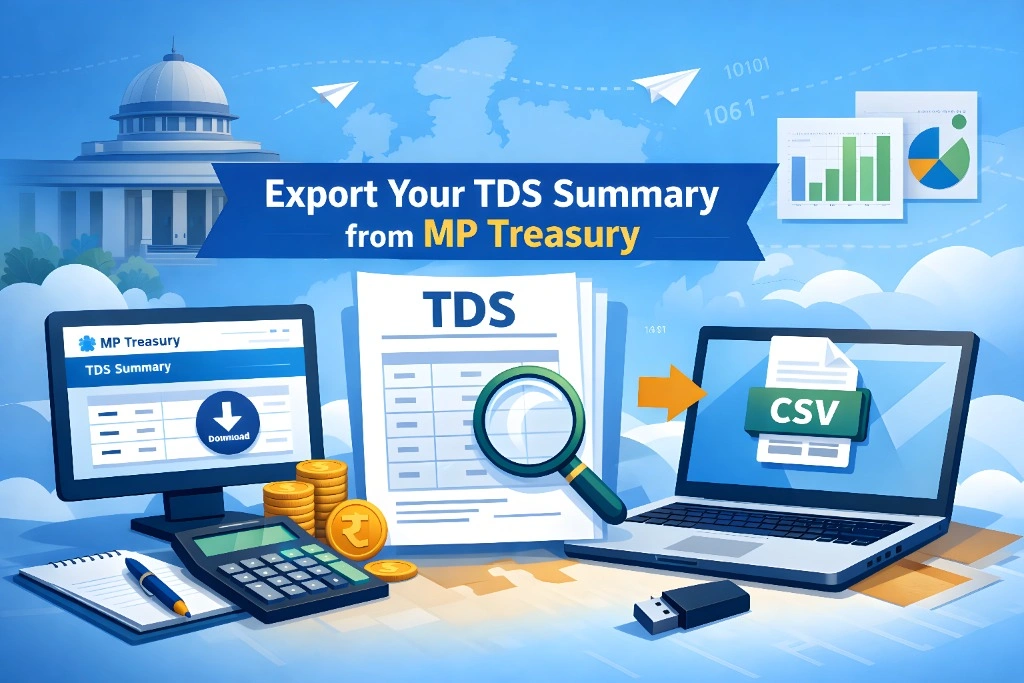
Once you’ve selected the period, look for the Export or Download button. You will typically have the option to download the TDS Summary from MP Treasury in:
- PDF for easy reading.
- Excel or CSV for further analysis.
Click on your preferred format and save the file to your computer or device.
Tip: Always save your report in multiple locations, like your computer and cloud storage, to avoid losing it.
Once you’ve downloaded the file, open it and check the details. Ensure that your name and PAN number are correct. Review all months of the year to make sure the correct TDS amounts are listed.
If everything looks good, your report is ready to be used. You now have a proper record of your tax deduction for the year.
Why You Should Regularly Export Your TDS Summary from MP Treasury
By now, you might be wondering: Why should I download my TDS Summary from MP Treasury regularly? Here’s why:
Prepare for Tax Filing
Having your TDS Summary from MP Treasury details ready makes the annual tax filing process much easier. You already know how much has been deducted, so you don’t need to waste time hunting for the info later.
Keep a Personal Record
It’s always good to have backup copies of your tax documents. Having an exported TDS Summary makes it easy to track your deductions year after year.
Proof of Income Tax Paid
When applying for loans, financial assistance, or even a job, you may need proof of income tax paid. The TDS Summary from MP Treasury acts as solid evidence.
Identify Errors Early
Exporting your TDS Summary from MP Treasury every year helps you identify any errors early. If there’s a mismatch in the TDS amount, you can fix it before the tax filing deadline.
FAQs
Final Thoughts
Exporting your TDS Summary from MP Treasury doesn’t need to be a daunting task. By following the simple steps outlined in this guide, you’ll be able to quickly download your tax reports. These summaries are important for tax filing, proof of payment, and keeping your financial records up to date.
By regularly exporting and storing your TDS Summary from MP Treasury, you’re making tax season easier and ensuring that you have the proper documentation when you need it most.